How to Turn an AI Workflow Into a Digital Product

Many people use AI every day but never turn their process into anything reusable. They ask an AI tool for help, get a useful result, close the tab, and repeat the same work again next week.
A digital product begins when you stop treating that workflow as a one-time task and start packaging it as a repeatable system that someone else can use.
This guide shows a simple way to turn an AI workflow into a useful digital product such as a prompt pack, checklist, Notion template, mini guide, spreadsheet, or workflow kit.
Quick Answer
To turn an AI workflow into a digital product, choose one narrow problem, document the exact steps you use to solve it, turn those steps into templates or prompts, add examples, package everything clearly, and publish it on a simple sales page.
The goal is not to sell a random collection of prompts. The goal is to sell a faster path from problem to result.
Who This Is For
This approach is useful for:
- Freelancers who already use AI in client work
- Bloggers who use AI for research, outlines, and drafts
- Creators who want to sell templates or small guides
- Small business owners who repeat the same writing or planning tasks
- Beginners who want a simple digital product idea without building software
You do not need to be a developer. You need one repeatable workflow that solves a real problem.
Start With a Narrow Problem
A common mistake is starting too broad. A product called “100 AI Prompts for Everything” sounds big, but it is hard to trust and hard to position.
A narrow product is easier to understand and easier to buy. For example:
- AI prompts for writing weekly client reports
- A Notion workflow for planning newsletter content
- A checklist for turning meeting notes into action items
- A template pack for writing product descriptions
- A simple AI workflow for researching blog topics
The best starting point is a task you already understand. If you use AI to save time in your own work, someone else may want that same shortcut.
The Simple Product Formula
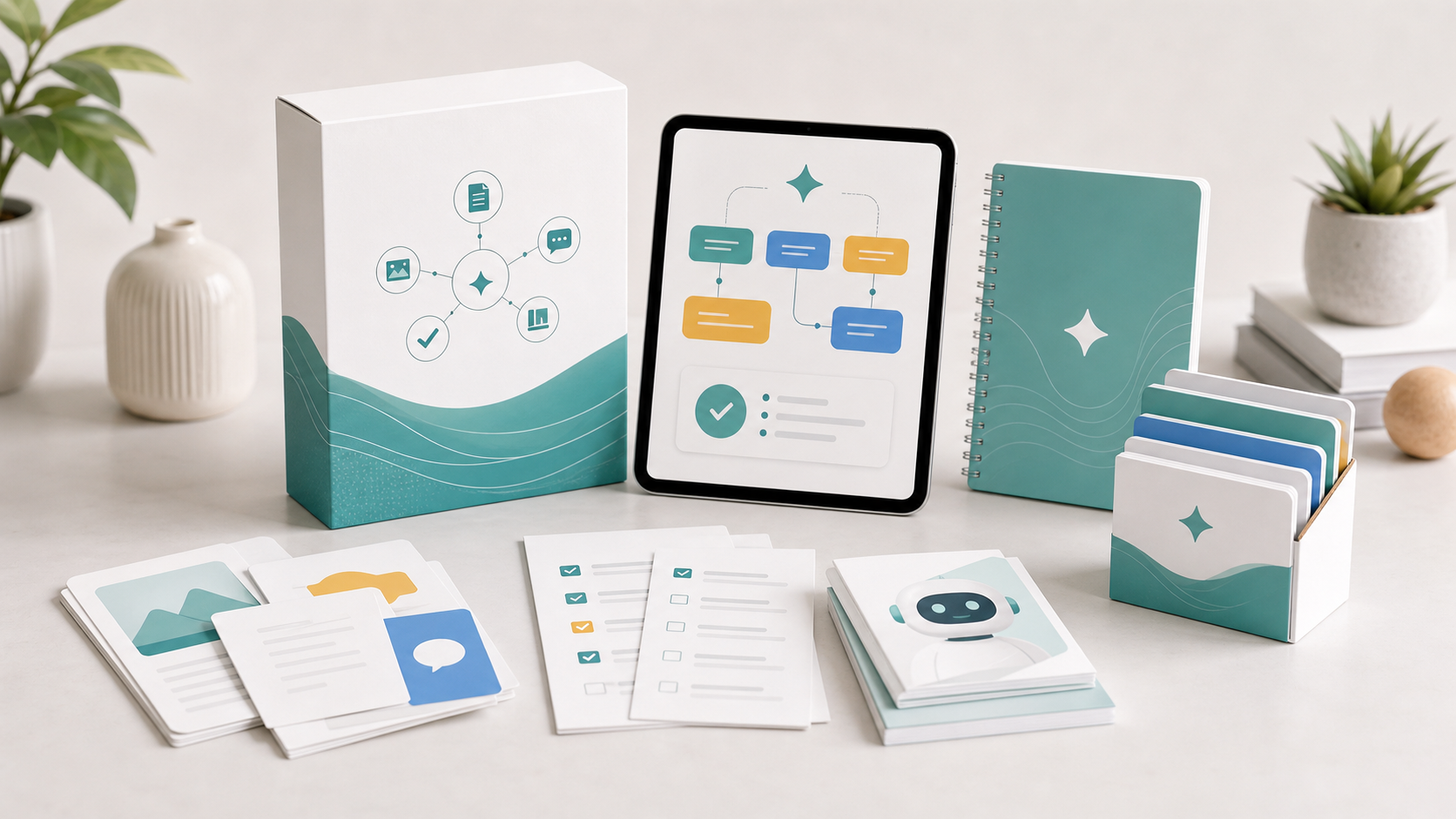
A good AI workflow product usually has four parts:
- The problem: what the buyer wants to fix or improve
- The process: the steps they should follow
- The assets: prompts, templates, checklists, examples, or spreadsheets
- The outcome: what they can create or improve after using it
For example, a product for freelance writers could include:
- A client brief questionnaire
- Prompt templates for article research
- An outline generator prompt
- A revision checklist
- Before-and-after examples
This is much more useful than a list of prompts with no context.
Step 1: Record Your Workflow
Do the task once from start to finish and write down every step. Do not try to make it perfect yet. Just capture the process.
Use a simple structure:
- What do I start with?
- What information do I give the AI?
- What prompt do I use first?
- How do I judge whether the output is good?
- What do I edit manually?
- What is the final result?
This step matters because buyers are not only buying prompts. They are buying your sequence of decisions.
Step 2: Turn Steps Into Templates
Once the workflow is clear, convert the repeated parts into reusable assets.
| Workflow Part | Product Asset |
|---|---|
| Questions you ask before starting | Intake checklist |
| Prompts you reuse | Prompt pack |
| Formatting rules | Style guide |
| Review process | Quality checklist |
| Final layout | Notion, Google Docs, or spreadsheet template |
You can keep the first version simple. A useful PDF, a Notion page, or a Google Sheet can be enough for a first product.
Step 3: Add Real Examples
Examples make a digital product easier to trust. If you include only blank templates, buyers may not know how to use them.
Add examples such as:
- A sample input
- A sample AI output
- A corrected final version
- A short explanation of why the final version is better
The example does not need to be complicated. It just needs to show the workflow in action.
Step 4: Package the Product Clearly
Your buyer should understand what they get within a few seconds. A simple package could look like this:
- One short PDF guide
- Ten reusable prompts
- One checklist
- Three examples
- One quick-start page
Avoid adding too much. A small product that solves one problem is often stronger than a large product that feels unfocused.

Step 5: Choose a Simple Sales Platform
For a first digital product, you do not need a complex website. You can use a simple platform that handles product delivery and payments.
Common options include:
- Gumroad: simple product pages and digital downloads
- Payhip: digital downloads, simple checkout, and EU/UK VAT handling
- Ko-fi: lightweight creator storefront
- Lemon Squeezy: more advanced software and digital product checkout
- Notion: useful for template delivery when paired with a checkout platform
Start with the platform that feels easiest. The product idea matters more than the checkout tool.
Step 6: Write a Clear Product Page
A good product page should answer four questions:
- Who is this for?
- What problem does it solve?
- What exactly is included?
- What result can the buyer expect?
Use plain language. Avoid unrealistic promises. For example, do not say “This will make you rich.” Say “This helps you create client reports faster with a repeatable AI-assisted workflow.”
Common Mistakes
Making the product too broad
Broad products are harder to explain. Pick one audience and one use case.
Selling prompts without context
Prompts are more useful when they come with examples, instructions, and quality checks.
Skipping manual review
AI output still needs human judgment. Your product should teach buyers how to review and improve results.
Overbuilding the first version
You do not need a full course or software product. Start with the smallest useful package.
A Beginner-Friendly Product Idea
If you want a simple first product, create this:
AI Blog Post Planning Kit: a set of prompts, checklists, and examples that help bloggers turn one topic idea into an outline, keyword angle, draft structure, and editing checklist.
It is narrow, useful, and easy to explain. It can also connect naturally to future articles about AI writing tools, SEO planning, and digital product creation.
Final Thoughts
The easiest digital product to create with AI is not a random prompt collection. It is a packaged version of a workflow that already helps you solve a specific problem.
Start small. Choose one task, document your process, turn the repeated parts into templates, add examples, and publish a simple first version. You can improve the product after real users tell you what is missing.
Disclosure: Some links on this website may be affiliate links in the future. If you click these links and make a purchase, we may earn a commission at no extra cost to you.