How To Build An AI Lead Follow-Up Workflow For Small Businesses
Most small businesses do not lose leads because they lack AI. They lose leads because follow-up is slow, inconsistent, or trapped in someone's inbox. An AI lead follow-up workflow can help, but only if it is designed around the real sales process instead of flashy automation.

This guide shows how to build a simple AI lead follow-up workflow that captures a new inquiry, summarizes it, drafts a useful response, creates a follow-up task, and keeps a human in control.
Quick Answer
An AI lead follow-up workflow starts when a prospect fills out a form or sends an inquiry. The workflow stores the lead, uses AI to summarize the request and draft a reply, creates a follow-up task, and notifies the business owner or sales person. For most small businesses, the first version should create draft responses instead of sending fully automated emails.
Who This Workflow Is For
This workflow is useful for service businesses, consultants, agencies, coaches, local businesses, and solo operators who receive inquiries but do not always respond quickly.
Examples:
- a web design freelancer receiving project inquiries
- a local contractor receiving quote requests
- a coach receiving discovery call requests
- a small agency receiving campaign questions
- a creator selling custom services or templates
If you are still learning the basics of AI workflows, start with What Is An AI Automation Workflow? A Practical Beginner's Guide.
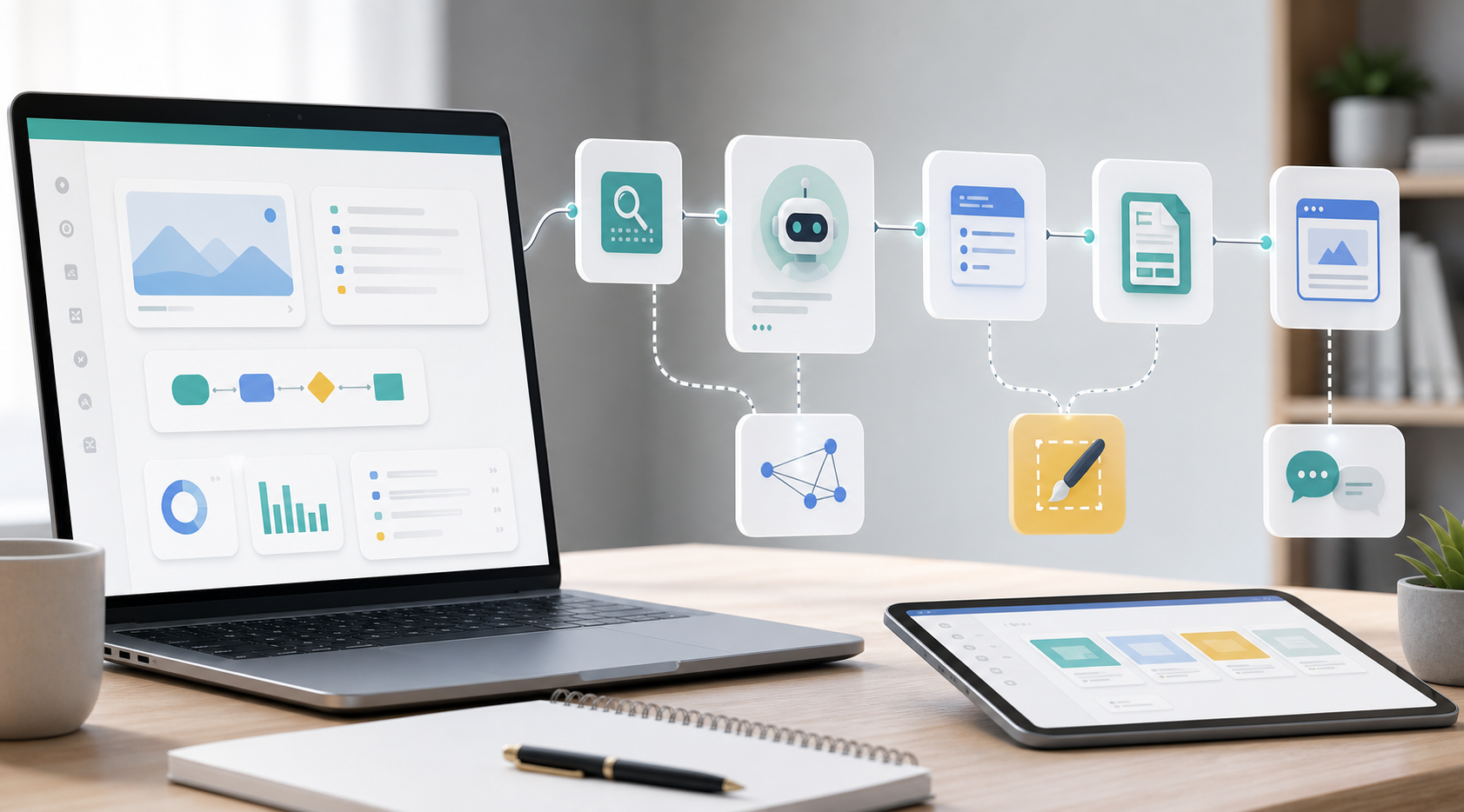
The Workflow Map
The simple version looks like this:
- Lead submits form or sends inquiry.
- Workflow saves lead details to a database or CRM.
- AI summarizes the request.
- AI drafts a first reply.
- Workflow creates a follow-up task.
- Human reviews and sends the reply.
- Workflow schedules a second reminder if there is no response.
This is enough for a useful first version. You can add scoring, routing, and advanced personalization later.
Step 1: Capture The Right Lead Fields
Your workflow is only as good as the information it receives. Before touching an automation tool, design the intake fields.
Recommended fields:
- Name
- Business or website
- Service needed
- Budget range
- Timeline
- Main problem
- How they found you
- Consent to be contacted
Do not ask for twenty fields if ten will do. The goal is enough context for a useful response, not a form so long that good leads abandon it.
Step 2: Store The Lead Somewhere Reliable
Do not let new leads live only in email notifications. Store every lead in a spreadsheet, CRM, Airtable base, Notion database, or other structured system.
Suggested lead status fields:
- New
- Reviewed
- Replied
- Follow-up 1 sent
- Follow-up 2 sent
- Booked
- Not a fit
- Closed
This status field matters because follow-up is a process, not a single email.
Step 3: Ask AI To Summarize The Inquiry
The first AI step should be safe and useful: summarize the lead. This saves time without risking an awkward automated reply.
Example summary prompt:
Summarize this lead inquiry for a small business owner.

Return:
- lead type
- requested service
- urgency
- budget signal
- likely next question
- anything unclear

Lead details:
[insert structured form fields]
The output should make it easy to understand the lead in ten seconds.
Step 4: Draft A First Reply
Next, use AI to draft a reply. For the first version, keep this as a draft. A human should review it before sending.
Good reply structure:
- Thank them for reaching out.
- Restate the problem in plain language.
- Ask one or two missing questions.
- Offer a clear next step.
- Set expectations for response time.
Example draft prompt:
Draft a friendly, professional first reply to this lead.

Rules:
- Do not promise pricing.
- Do not invent availability.
- Ask no more than two follow-up questions.
- End with a clear next step.
- Keep it under 180 words.

Lead summary:
[insert AI summary]
This draft should feel like a helpful starting point, not a robotic message.
Step 5: Create A Follow-Up Task
A first response is not enough. Many leads need a reminder. The workflow should create a follow-up task automatically.
Recommended timing:
| Lead Type | First Follow-Up | Second Follow-Up |
|---|---|---|
| High intent | 1 business day | 3 business days |
| Normal inquiry | 2 business days | 5 business days |
| Low fit | 3 business days | Optional |
Keep the first version simple. You do not need complex lead scoring to remember to follow up.
Step 6: Notify The Right Person
The workflow should notify the person responsible for sales or client communication. This could be an email, Slack message, CRM notification, or task assignment.
The notification should include:
- lead name
- service requested
- urgency
- AI summary
- draft reply link
- next follow-up date
The best notification reduces thinking. It should answer: who is this, what do they want, and what should I do next?
Step 7: Review The Workflow Weekly
Every Friday or Monday, review your lead workflow.
Check:
- How many leads came in?
- How fast did you respond?
- How many replies were sent?
- How many follow-ups were missed?
- Which lead sources produced good inquiries?
- Which AI drafts needed heavy editing?
This review turns automation into a business system. Without review, you only have a faster inbox.
Lead Follow-Up Workflow Checklist
- Choose one lead source to automate first.
- Define required lead fields.
- Create a database or CRM destination.
- Add lead status fields.
- Create an AI summary prompt.
- Create an AI reply draft prompt.
- Create follow-up timing rules.
- Add a human review step.
- Send notifications to the right person.
- Review performance weekly.
What To Automate Later
After the basic workflow works, you can improve it with:
- lead scoring
- source tracking
- calendar booking links
- CRM pipeline updates
- personalized follow-up sequences
- weekly lead quality reports
Do not add these before the basic workflow is reliable.
Common Mistakes
Sending AI Replies Without Review
This is risky for small businesses. A bad first impression can lose a good lead. Start with drafts, then automate more only after you trust the workflow.
Asking For Too Much Information
A long form can reduce conversions. Ask only for fields that improve the next step.
Not Tracking Lead Source
If you do not know where good leads come from, you cannot improve marketing. Add a simple source field.
Building A Workflow Nobody Checks
Automation should make follow-up easier to manage, not invisible. Use weekly reviews.
Tool Selection Criteria
You can build this workflow with many tools. Choose based on the workflow, not brand popularity.
| Need | Tool Type | What To Look For |
|---|---|---|
| Capture leads | Form tool | Required fields, notifications, integrations |
| Store leads | CRM or database | Status fields, notes, owner assignment |
| Connect steps | Automation platform | Triggers, AI integrations, error handling |
| Draft replies | AI model or AI writing tool | Reliable output, controllable tone, privacy awareness |
| Review tasks | Task or project tool | Due dates, reminders, assignments |
If you are choosing tools from scratch, read The AI Automation Starter Stack For Solo Creators.
How This Can Become A Service
This workflow is also a sellable service. Many small businesses understand the pain of missed leads more than they understand automation platforms.
A simple service package could include:
- lead form review
- CRM or spreadsheet setup
- AI summary prompt
- reply draft prompt
- follow-up task rules
- weekly report template
- short training video
This is why automation services should be packaged around outcomes. "Lead follow-up system" is easier to understand than "AI automation setup."
Final Thoughts
A good AI lead follow-up workflow does not try to replace the business owner. It helps them respond faster, stay organized, and avoid missing valuable inquiries.
Start with one lead source, one database, one AI summary, one draft reply, and one follow-up task. When that works, improve the system step by step.
Sources and Notes
Useful references for this workflow category: n8n sales workflow templates, Make lead generation processing, and FTC endorsement guidance for disclosure basics when a workflow supports affiliate or sponsored recommendations.
Download the Lead Follow-Up Workflow Pack
Use the free V1 pack to create a lead tracker, follow-up sequence, AI summary prompt, reply templates, and stop rules.